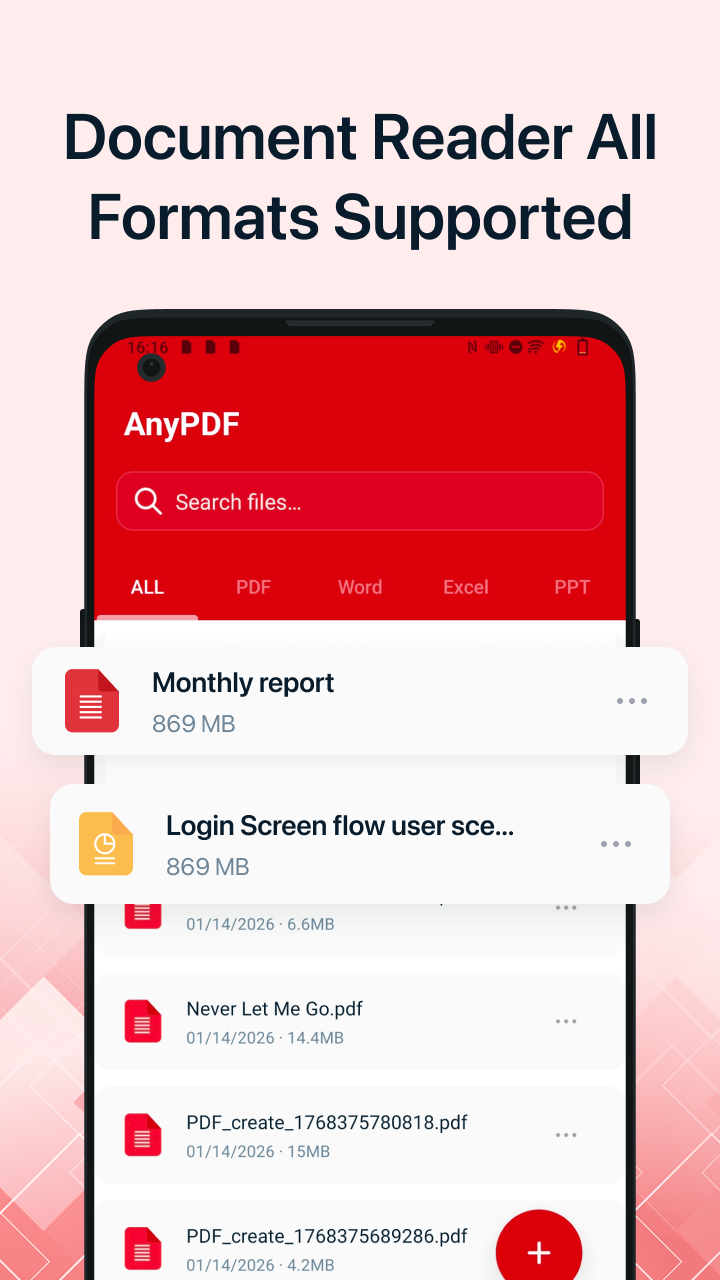
AnyPDF — PDF Reader & Maker is a fast, clean, and powerful tool for all your document needs. View, organize and manage PDFs, Word, Excel and PPT on Android — plus turn paper into crisp PDFs with the built-in HI Scanning camera.
“A reader should feel like paper — quiet, quick, and out of the way. AnyPDF keeps every format within a thumb's reach, so the work can do the talking.”
Four format types, a smart scanner, and the essentials you'd reach for first — without digging through a menu.
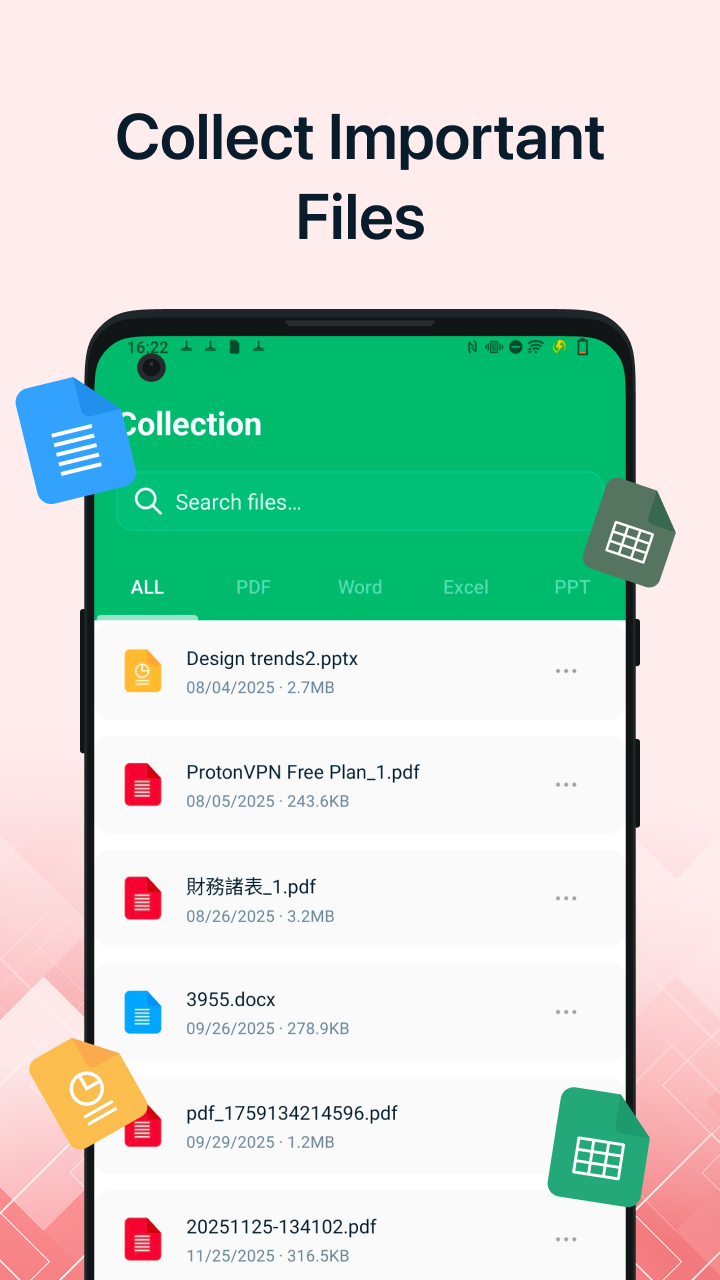
Classify your files into PDF, Word, Excel and PPT. Use the search bar to find any document instantly — no matter how deep the folder.
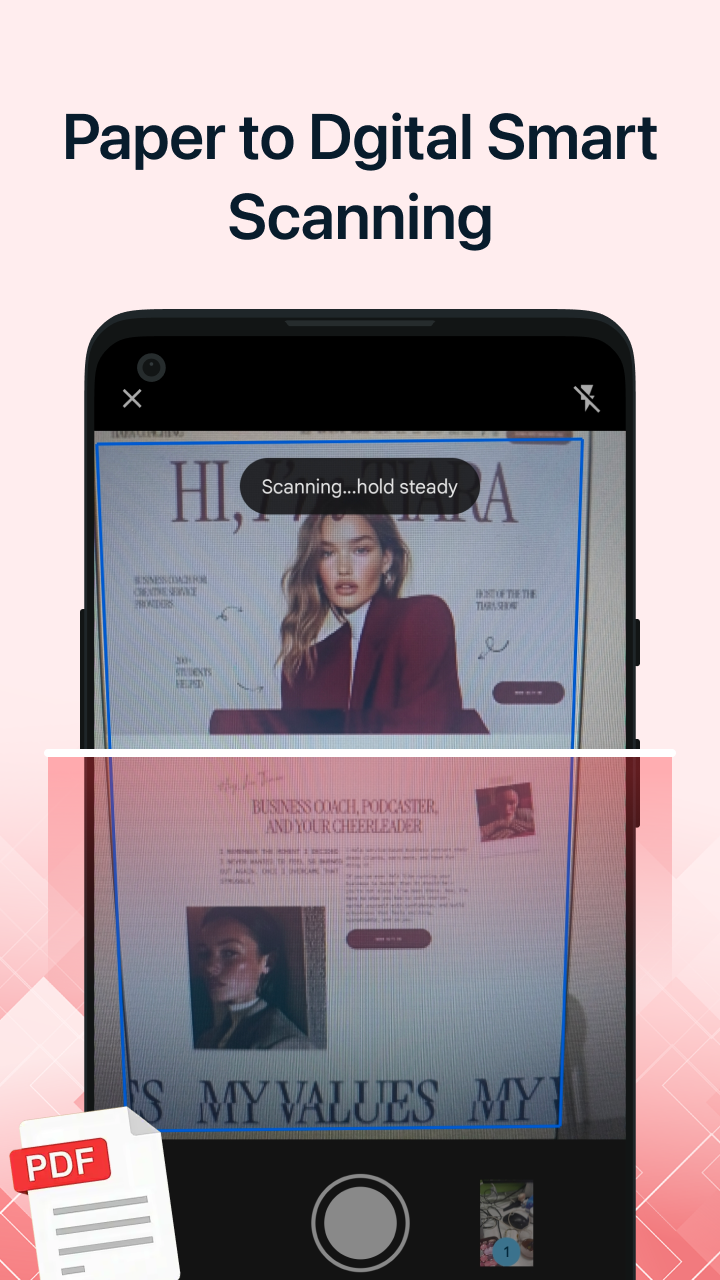
Turn paper into PDFs with your camera. Our HI Scanning engine delivers clear, crisp results.
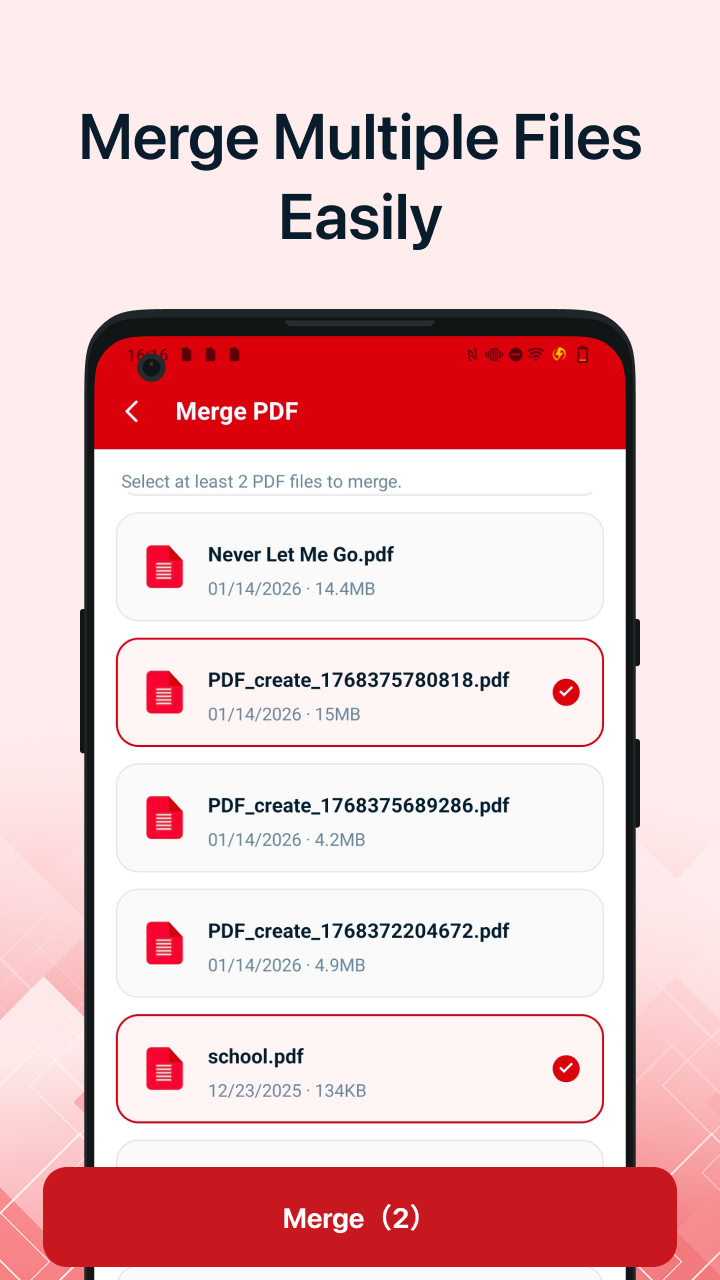
Combine multiple files into a single, tidy PDF in a couple of taps.
Break long documents into focused, share-sized pieces.
Browse local folders and open large files without lag. Rendering is tuned so pages snap into view the moment you scroll.
Tidy your library right from the list. Long-press a file and the essentials are already within reach.
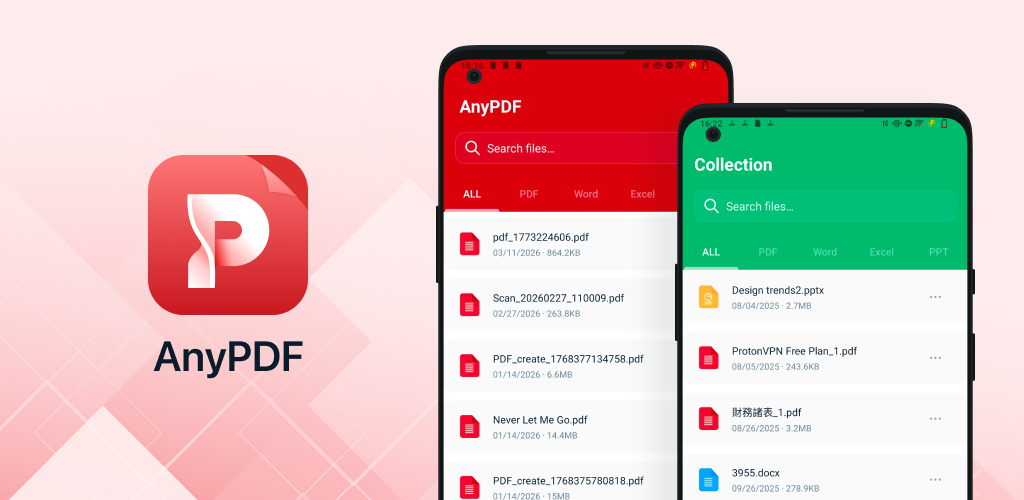
Scroll through the app — scanner, reader, collections and merge flow.
No nagging dialogs, no format-forks to remember — just the document tool a lot of apps promised but never delivered.
AnyPDF opens PDF, Word (DOC/DOCX), Excel (XLS/XLSX) and PowerPoint (PPT/PPTX). The library classifies them automatically so you can jump to one type at a time.
The built-in HI Scanning engine holds focus while you steady the camera, then cleans up the page for crisp PDFs — even with awkward lighting.
Yes. Select multiple files to merge into one, or pick a long PDF to split into smaller pieces — both are one-screen flows.
AnyPDF is tuned for heavy PDFs. Browsing local folders and scrolling long files stays fluid — no stutter, no waiting.
AnyPDF is free to download on Google Play. Install, open, done.